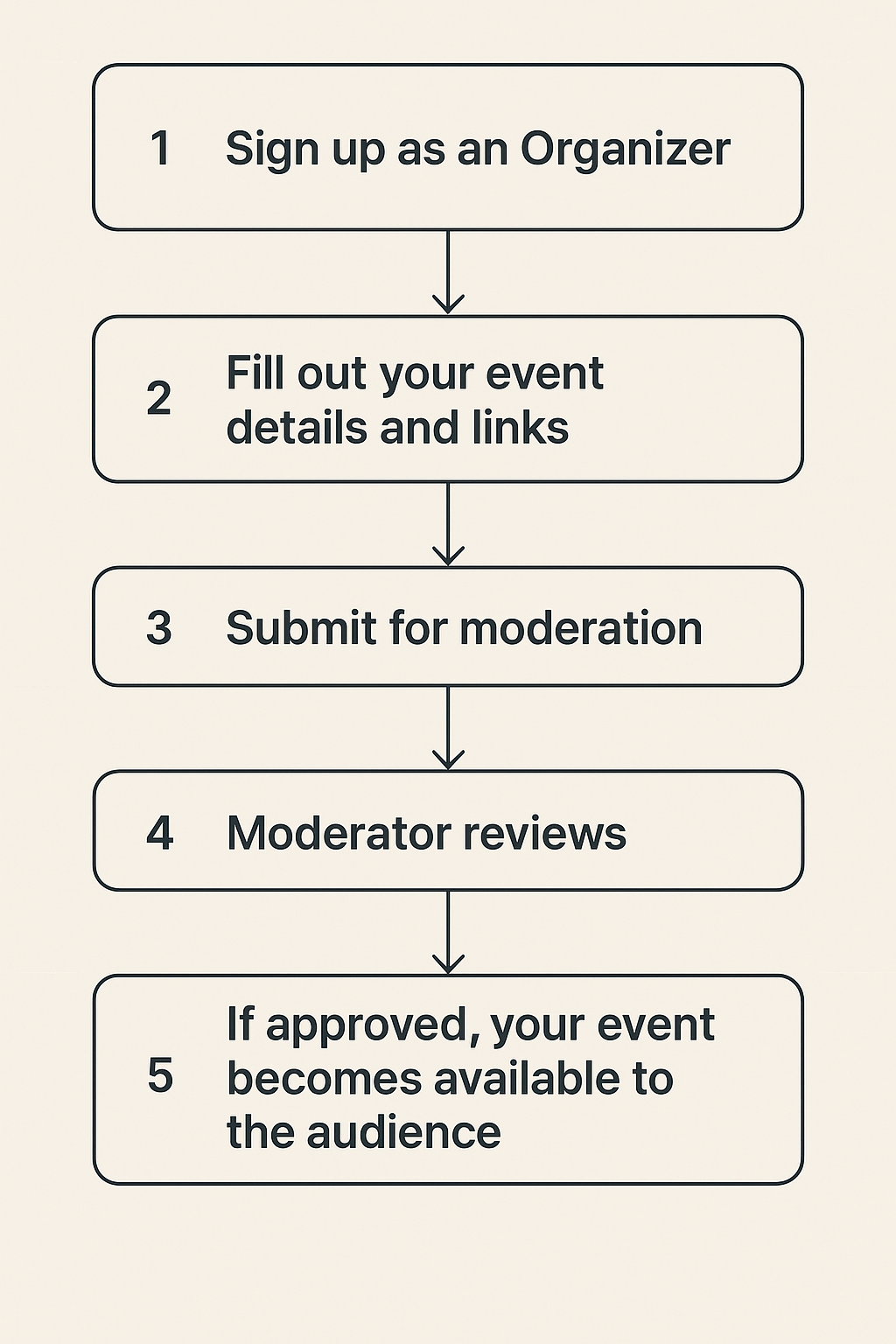
1️⃣ Sign up as an Organizer
The organizer creates an account by providing basic details (name, contact information, password) to gain access to the personal dashboard.
2️⃣ Fill out the event form with details and necessary links
In the dashboard, the organizer goes to the event creation form and provides:
-
category
-
title
-
description
-
format
-
date and time
-
venue (except for online events)
-
links for registration, ticket purchase, or additional information
-
images or videos for the announcement
-
target audience
-
possibility to leave reviews
-
attendee list
3️⃣ Submit the form for moderation
After completing all required fields, the organizer clicks the “Save” button. The application is sent to the site’s moderation team.
4️⃣ The Moderator reviews the event and decides on publication
The moderator checks:
-
accuracy of the information
-
compliance with platform rules
-
quality of materials
After the review, the moderator decides whether to approve or reject the publication (with comments for revisions if needed).
5️⃣ If approved, the event appears in the event feed on events.syampya.com
Once approved, the event is automatically published in the general event list on the site, becoming visible to all visitors and accessible through search and filters.